
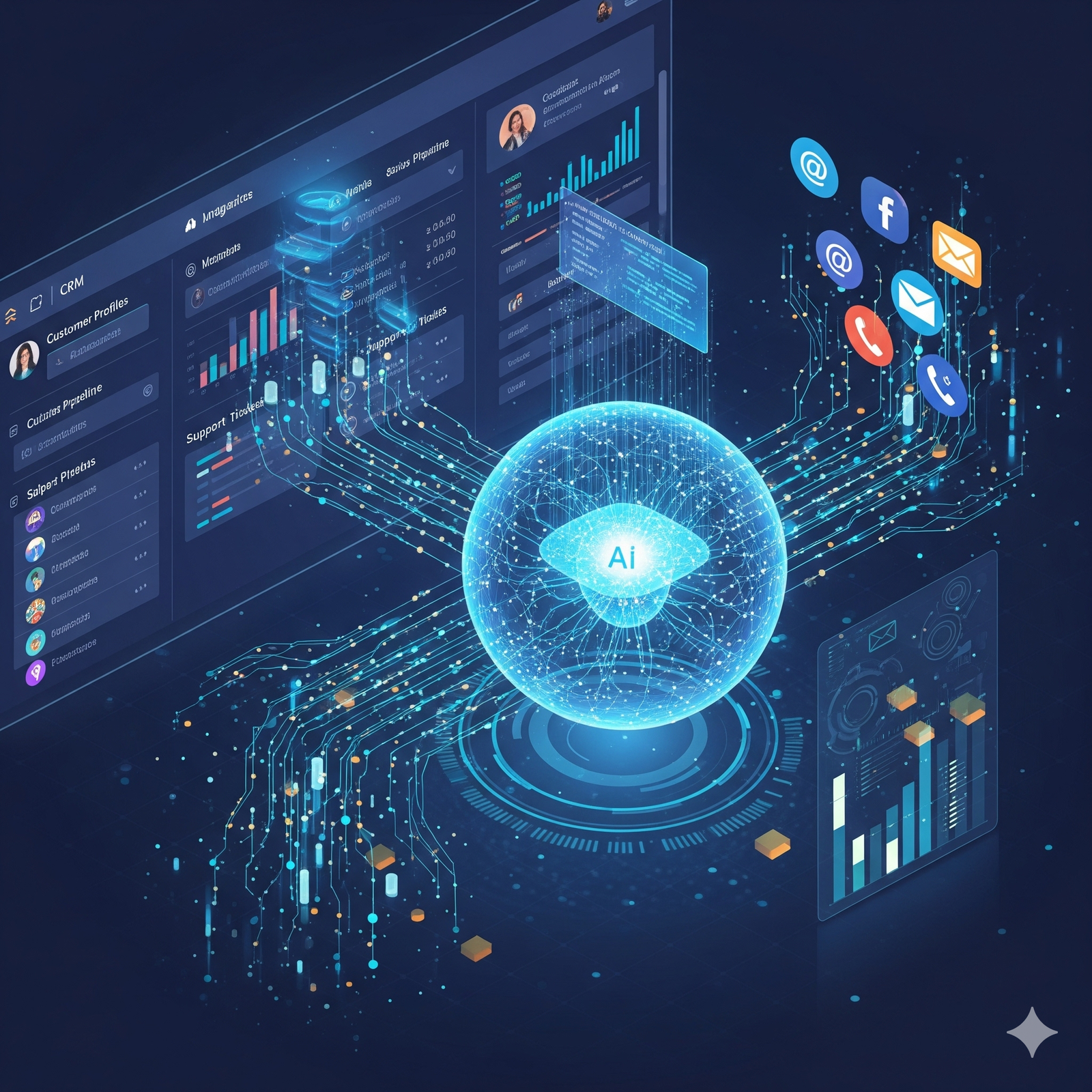
In the world of modern business, your Customer Relationship Management (CRM) system is your single source of truth. It is the central nervous system of your entire commercial operation, the digital vault where your most precious asset—your customer data—resides. It holds the history of every interaction, every purchase, and every relationship you’ve ever built. Yet, for most companies, this powerful system operates in a state of passive potential. It is a library of the past, a system of record that waits for a human to manually input data and extract insights.
On the other side of the digital divide, a new force has emerged: the AI Agent. This is your brand’s intelligent frontline, the conversational concierge on your website that engages with customers in real-time. It is a proactive, learning entity that understands intent, answers questions, and guides visitors on their journey. The problem? In most organizations, these two powerful systems live in separate worlds. The AI agent has the real-time conversation, but its valuable insights often die in a chat transcript, never making their way into the permanent customer record. The CRM has the deep historical context, but it cannot use that context to influence a live conversation.
As a media and marketing strategist who has spent two decades helping businesses bridge the gap between technology and revenue, I can tell you that the single most powerful and transformative project you can undertake today is the integration of these two systems. Connecting your AI agent directly to your CRM is like giving your company’s central nervous system a voice, eyes, and ears. It creates a closed-loop, intelligent system that transforms your CRM from a passive database into a proactive, revenue-driving engine.
This is not a highly technical manual for developers. This is a strategic playbook for business leaders, CMOs, and sales directors. We will demystify the process, break it down into manageable steps, and provide a clear framework for how you can successfully integrate these platforms to create a hyper-personalized customer experience, automate your lead qualification, and build a formidable, long-term competitive advantage.
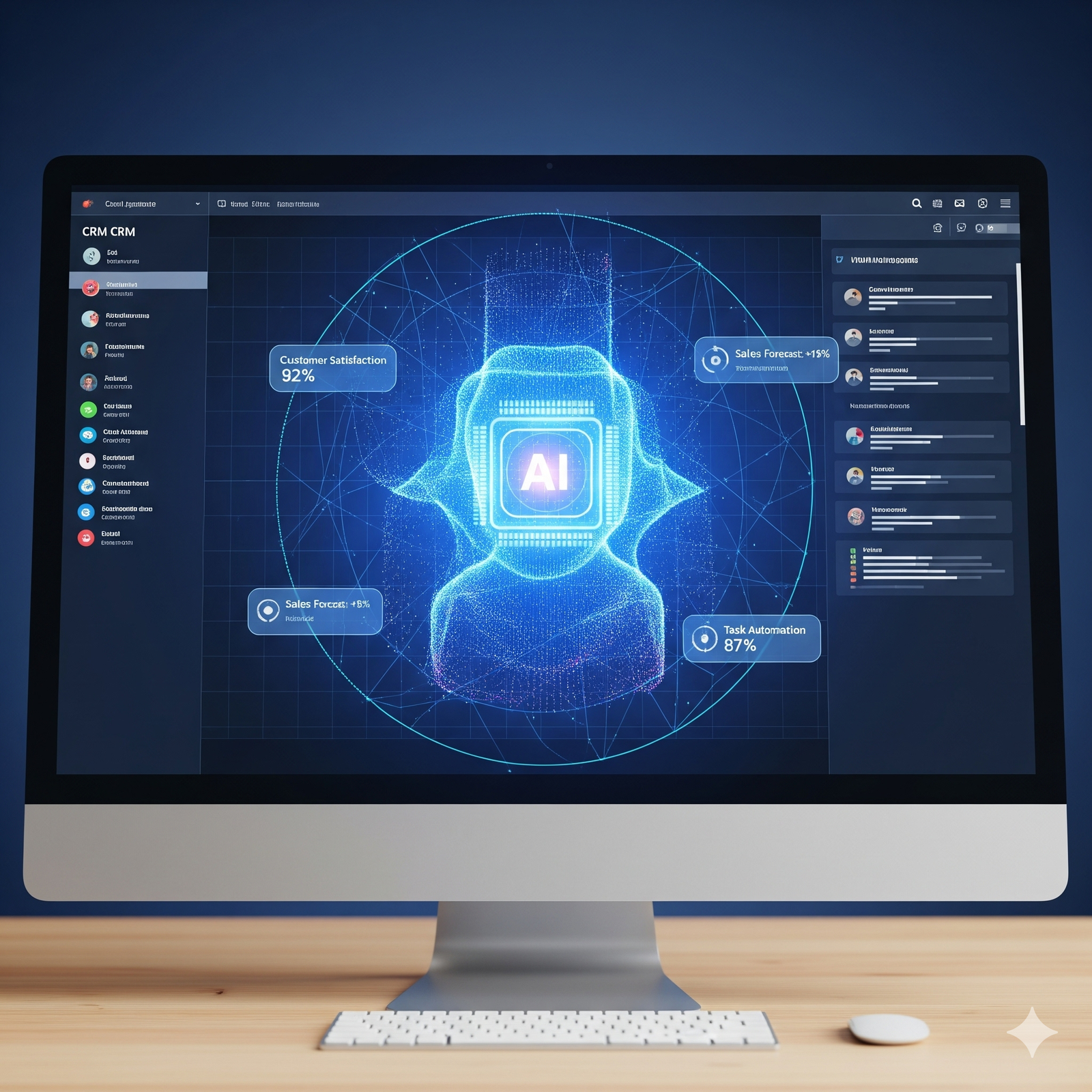
Why this integration is a non-negotiable for modern businesses
Before we dive into the “how,” it’s crucial to understand the strategic “why.” Integrating your AI agent and your CRM is not just a “nice to have” technical upgrade; it unlocks three core benefits that are essential for survival and growth in the modern market.
From a system of record to a system of intelligence
A standalone CRM is a system of record. It tells you what happened. It is a history book. An integrated CRM, powered by an AI agent, becomes a system of intelligence. It uses the history of what has happened to influence and predict what will happen next. The data is no longer static; it is active. The CRM is no longer just a database; it is the brain that powers real-time, intelligent conversations. This is the fundamental philosophical shift.
The three core benefits of a CRM-integrated AI agent
-
Hyper-personalization at a revolutionary scale: This is the most profound benefit. When a visitor arrives on your website, the AI agent can perform a real-time lookup in your CRM. In a fraction of a second, it can access that visitor’s entire history.
- The old way: A visitor arrives. A generic chatbot says, “Hi! How can I help you today?”
- The integrated AI agent way: A returning customer, Jane, who attended a webinar last month and has an open support ticket, arrives. The agent’s message is dynamically personalized: “Welcome back, Jane! I see our support team is working on your ticket regarding [Issue X]. While you’re here, did you have any follow-up questions from the webinar you attended on [Webinar Topic]?” This level of instant, context-aware personalization is a game-changer. It makes the customer feel seen, understood, and valued, creating a powerful emotional connection that is impossible to replicate with a disconnected system.
-
Automated data enrichment and flawless lead qualification: The AI agent becomes your tireless, 24/7 data entry and qualification specialist. The information flows both ways.
- The old way: A new lead fills out a form. A human SDR has to manually create a new record in the CRM, copy and paste the information, and then begin the qualification process.
-
The integrated AI agent way: An anonymous visitor starts a chat. The agent has a conversation, asks a series of intelligent qualifying questions (“What’s your company size?”, “What is your biggest challenge right now?”). When the conversation is complete, the agent automatically:
- Creates a new, perfectly formatted lead record in the CRM.
- Populates the standard fields (name, email, company).
- Fills in custom CRM fields with the answers to the qualifying questions.
- Attaches the full chat transcript to the lead record. This process enriches your CRM data with invaluable, direct-from-the-customer insights and ensures that every lead is perfectly qualified before it ever reaches a human salesperson, all with zero manual effort.
-
A seamless, high-velocity sales handoff: The integration eliminates the friction and delay that kills most deals.
- The old way: A lead sits in an inbox for hours or days, going cold while waiting for a human to respond and schedule a call.
- The integrated AI agent way: When the agent qualifies a high-intent lead, it can see the real-time availability of the appropriate salesperson in the CRM’s calendar. It can book a meeting instantly, directly in the chat window. The moment the meeting is booked, the lead is automatically assigned in the CRM, and the salesperson receives a notification with a complete intelligence briefing. This reduces the time from initial interest to a scheduled meeting from days to minutes, dramatically increasing the chances of a successful conversion.
The step-by-step integration playbook: a strategic guide from planning to execution
This process can seem intimidating, but when broken down into logical phases, it becomes a manageable and highly strategic project.
Step 1: the strategic planning and goal-setting phase
This is the most critical phase. Do not start with the technology. Start with the business problem.
-
Define your primary use case: What is the single, most important goal you want to achieve with this integration? You must be ruthlessly focused.
- Is it lead qualification? To stop your sales team from wasting time on unqualified prospects.
- Is it customer support? To provide instant, 24/7 answers to common questions and reduce support ticket volume.
- Is it proactive upselling? To use a customer’s purchase history to make intelligent, personalized recommendations. Choose one primary goal for your initial integration. You can always expand later.
-
Assemble your “tiger team”: This is not just an IT project. It is a cross-functional business initiative. Your project team must include key stakeholders from:
- Marketing: They will own the conversational design, the agent’s “voice,” and the content it uses.
- Sales: They are the end-users of the leads and the insights. Their input on qualification criteria is essential.
- IT / Development: They will handle the technical aspects of the connection and ensure data security.
- Choose your tools with integration in mind: When selecting your AI agent platform and your CRM, their ability to communicate with each other is a non-negotiable requirement. Look for platforms with robust, well-documented APIs (Application Programming Interfaces) or, even better, pre-built native integrations.
Step 2: the data mapping and synchronization process
This is the architectural design phase. You need to decide exactly what information will flow between the two systems.
-
Define the data flow direction:
-
CRM to Agent (Reading Data): What information should the AI agent be allowed to read from your CRM to personalize the conversation? This might include:
- Contact fields: First name, company name, job title.
- Lifecycle stage: Are they a new lead, a marketing qualified lead, a long-term customer?
- Purchase history: What products or services have they purchased in the past?
- Support history: Do they have any open support tickets?
-
Agent to CRM (Writing Data): What information should the AI agent be allowed to write back to your CRM? This might include:
- Creating a new lead or contact if one doesn’t exist.
- Updating the lead status (e.g., from “New” to “Qualified”).
- Updating specific fields with information gathered during the chat (e.g., updating the “Company Size” field).
- Logging the chat transcript as a new activity or note on the contact’s timeline.
-
CRM to Agent (Reading Data): What information should the AI agent be allowed to read from your CRM to personalize the conversation? This might include:
-
Map the data fields: You need to create a clear map. For example: “The ‘Company Size’ question in the chatbot’s playbook should write its data to the
company_size__ccustom field in our CRM.”
Step 3: the technical connection – APIs, webhooks, and native integrations
This is the phase where the “handshake” between the two systems is established.
- Native integrations (The Easy Path): The best-case scenario. Many modern AI agent platforms (like Intercom, Drift, or HubSpot’s chat tools) have pre-built, “one-click” integrations with major CRMs like Salesforce and HubSpot. This is often as simple as logging into both systems and authorizing the connection.
- Middleware platforms (The No-Code Path): For less common combinations of tools, middleware platforms like Zapier or Make act as a universal translator. You can create a “Zap” that says, “WHEN a chat is completed in Platform A, THEN create a new contact in Platform B.” This is a great option for simpler workflows without needing a developer.
- Custom API integration (The Powerful Path): For full control and complex, bi-directional data flows, a custom integration using the APIs of both platforms is the most robust solution. This requires the work of a developer, but it allows you to build a completely bespoke system tailored to your exact business processes.
Step 4: designing the intelligent, automated workflows
This is where the strategy comes to life. You now design the specific sequences of events that the integrated system will execute.
-
The new lead qualification workflow:
- A visitor starts a chat. The agent asks for their email.
- The agent performs a real-time API call to the CRM to check if the email exists.
- Path A (Known Contact): If the contact exists, the agent pulls their name and company from the CRM and says, “Welcome back, [First Name] from [Company Name]! How can I help you today?” The entire conversation is then automatically logged on their existing CRM record.
- Path B (New Contact): If the contact does not exist, the agent proceeds with the qualification questions. Once it has gathered enough information, its workflow triggers an API call to the CRM to create a new lead, populating all the relevant fields. It then proceeds to book a meeting, which is also logged.
-
The proactive customer support workflow:
- A customer logs into their account and starts a chat.
- The agent immediately uses their user ID to pull their last three order numbers from the CRM.
- The agent’s first message is: “Hi [First Name], thanks for reaching out. Are you contacting us today about one of your recent orders?” and it presents the last three orders as clickable buttons.
- The customer clicks an order, and the agent can immediately provide specific information, creating an incredibly fast and frictionless support experience.
The human factor: training your team for an AI-augmented reality
Implementing this technology is not just about connecting software; it’s about transforming human workflows.
- Redefining the role of the sales development representative (SDR): The job of a human SDR is no longer about manual qualification. Their new, more valuable role is to become an “AI Agent Manager” or a “Conversation Designer.” They review chat transcripts, analyze the agent’s performance, identify areas for improvement, and continuously train the AI’s knowledge base and refine its conversational playbooks.
- Empowering the account executive: The closers on your sales team must be trained to leverage the rich data the agent provides. The first five minutes of their call should not be spent asking basic qualifying questions. They should start the conversation with, “Hi John, I’ve reviewed the transcript of your chat with our AI assistant and I see you’re looking to solve [Problem X]. I have a few specific ideas on how we can help with that.”
The dawn of the intelligent CRM: your new system of action
The integration of an intelligent AI agent with your CRM is one of the most powerful, paradigm-shifting projects a modern business can undertake. It marks the end of the CRM as a passive, historical database.
Your CRM is no longer just a digital filing cabinet where you store information about what has already happened. It becomes the brain of a living, breathing, and proactive organism. The AI agent acts as its eyes, ears, and voice on your website, sensing the real-time needs of your customers and taking intelligent, autonomous action. The data flows not just in, to be stored, but flows back out in the form of helpful, personalized, and revenue-driving conversations.
This creates a powerful, self-improving feedback loop. The more conversations the agent has, the richer your CRM data becomes. The richer your CRM data becomes, the smarter and more personalized the agent’s future conversations will be. This is the new engine of business growth. By making this strategic connection, you are not just upgrading your technology; you are building the foundation of a truly intelligent, customer-centric organization.
Leave a Reply